
1. Download the app for your device using the links below.
2. Log in with your email and password.
3. If you registered after 6/03/26, use the same password as your account on www.sciencesolutions.ie.
If you registered before this date you must log in to your account on www.sciencesolutions.ie to confirm/update your password.
Sign in, select My Account, type your password, scroll down and click Update. Video instruction can be found below.


You will need an account on our website to use the app.
If you don’t have an account, sign up here with your access code. For registration help, click here.
App Help Videos
Confirm/Update Password
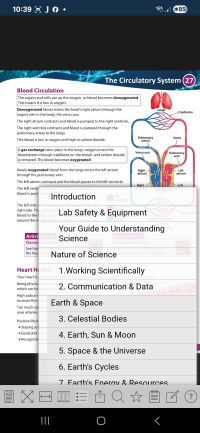
How to use the app?
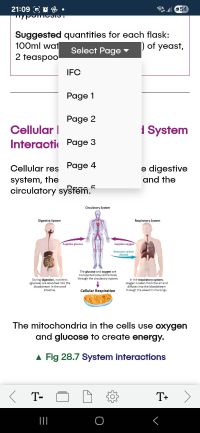
Accessible Version
PDF Help
Confirm/Update Password
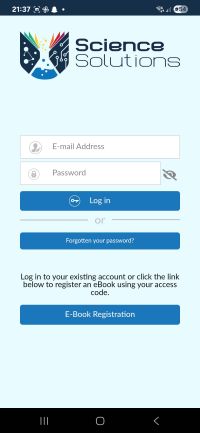
How to Use the App?
Accessible Version
Resetting your password on www.sciencesolutions.ie will update it in the app.
For all app help and support, please email [email protected]



 Seafield, Quilty Co. Clare Ireland